Recruitment Funnel Template
See where candidates drop out of your hiring process. Open this recruitment funnel template, enter your numbers, and export an editable PowerPoint chart.
Open this template → or start from scratch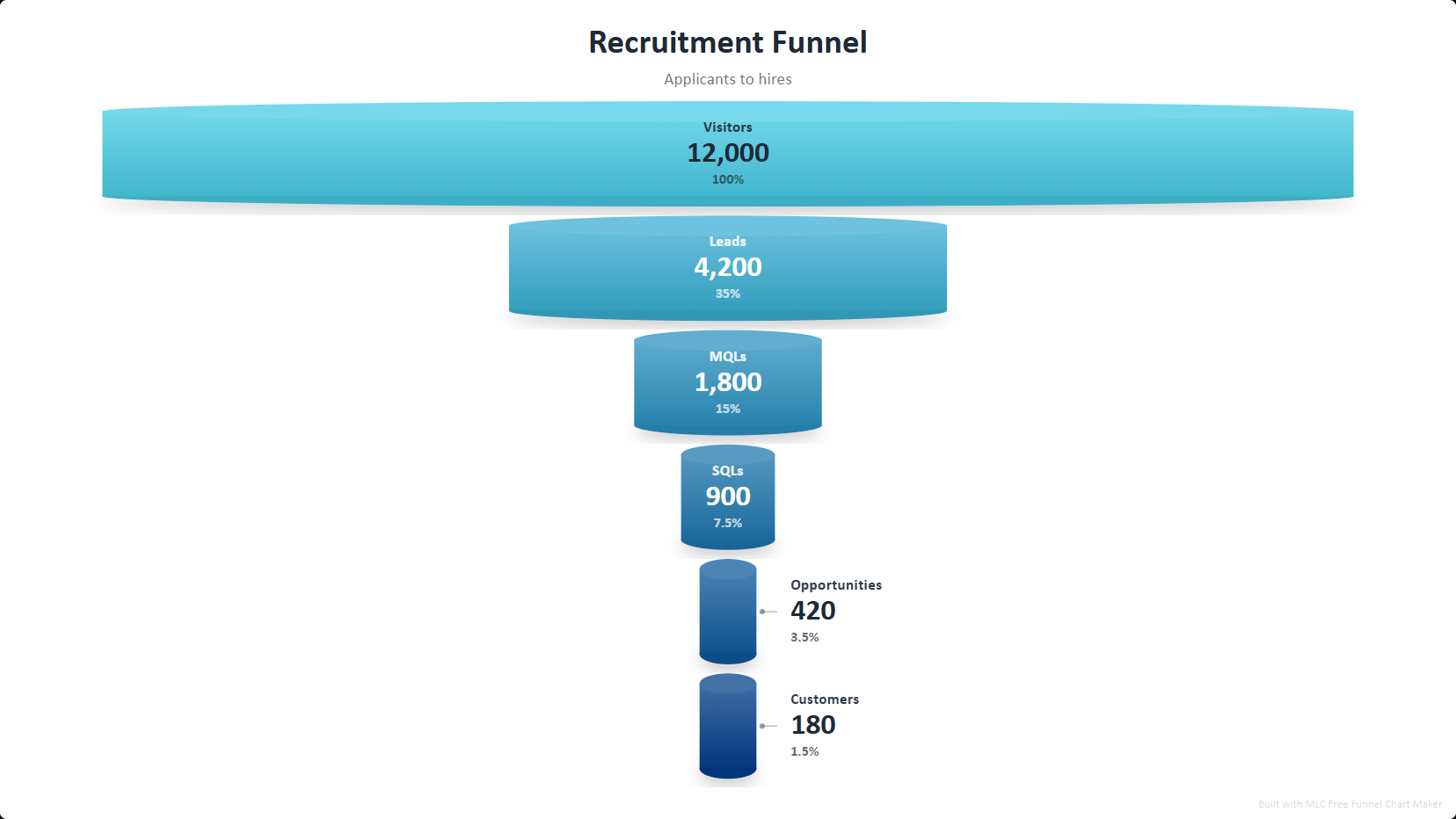
What is a recruitment funnel?
A recruitment funnel tracks candidates through the hiring process, from applications through screening, interviews and offers to accepted hires, showing the pass-through rate at each stage. It exposes the real bottleneck: a low offer-acceptance rate is a compensation or candidate-experience problem, while a low screen-to-interview rate is a sourcing problem.
How to use this template
Open the template
Click the button above — the recruitment funnel opens in the editor, already filled in. No account or password. A one-time professional profile unlocks all exports for one year.
Edit your data
Replace the sample entries with your own; the chart updates live as you type.
Style it
Pick a visual style and color palette to match your deck.
Export to PowerPoint
Download a .pptx with native, editable shapes — or PNG and Excel.
Ready in two minutes
Open the recruitment funnel template, drop in your data, and export a native, editable PowerPoint slide. No account or password. A one-time professional profile unlocks all exports for one year. No watermark.
Open this template →Why export to PowerPoint matters
Most free chart tools give you a flat PNG, or lock PowerPoint export behind a paywall. This template exports real, editable PowerPoint shapes and text — so you can drop the chart straight into your deck and restyle it in PowerPoint, Google Slides or Keynote. That is the difference between a picture and a slide.
Frequently asked questions
Commonly applications, screened, first interview, final interview, offer and hired. Rename or add stages to match your process.
It is the pass-through rate from the previous stage, calculated for you as you type, so you can see where candidates are lost.
Yes, native editable shapes, plus PNG and Excel with the rates included.
Yes, 100% free, no account or password. A one-time professional profile unlocks all exports for one year. No watermark.